Resistive or Capacitive Touch Screens: A Practical Guide to Choosing the Right Touch Technology

PCAP touch screenIntroduction: Two Touch Technologies That Define Interaction
In the world of interactive displays, touch technology acts as the invisible bridge between human intent and digital response.
For decades, resistive touch panels and capacitive touch screens have been the two most widely adopted solutions, each built on fundamentally different sensing principles.
Understanding how these technologies work—and where each performs best—is essential when designing products for industrial control, medical equipment, consumer electronics, or public terminals.
Core Technology: How Touch Is Detected
Resistive Touch Panels: Pressure-Based Detection
A resistive touch panel is a mechanical sensing system composed of two transparent conductive layers (typically ITO-coated films) separated by microscopic spacer dots.
-
The top layer is a flexible plastic film
-
The bottom layer is usually glass or rigid substrate
When pressure is applied, the two layers make contact at the touched point. The controller measures the resulting voltage change to calculate the X and Y coordinates.
Key Advantage:
Resistive touch responds to any object—finger, gloved hand, stylus, pen—making it extremely versatile in industrial and harsh environments.
Capacitive Touch Panels: Electrostatic Field Detection
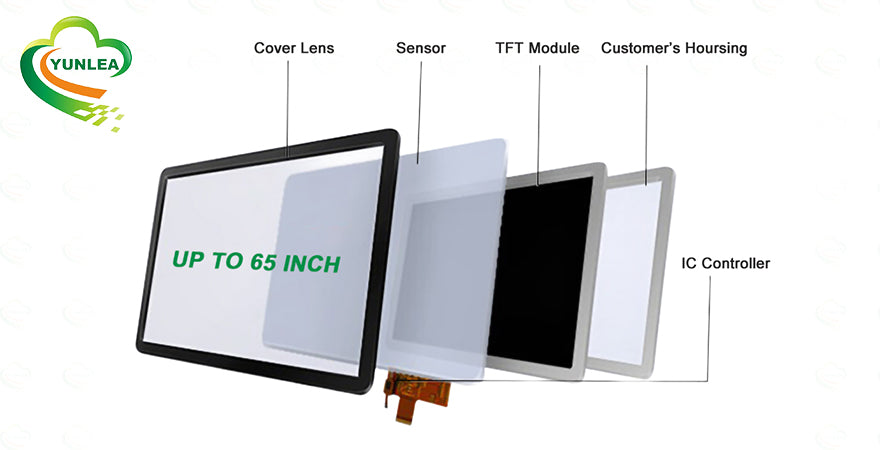
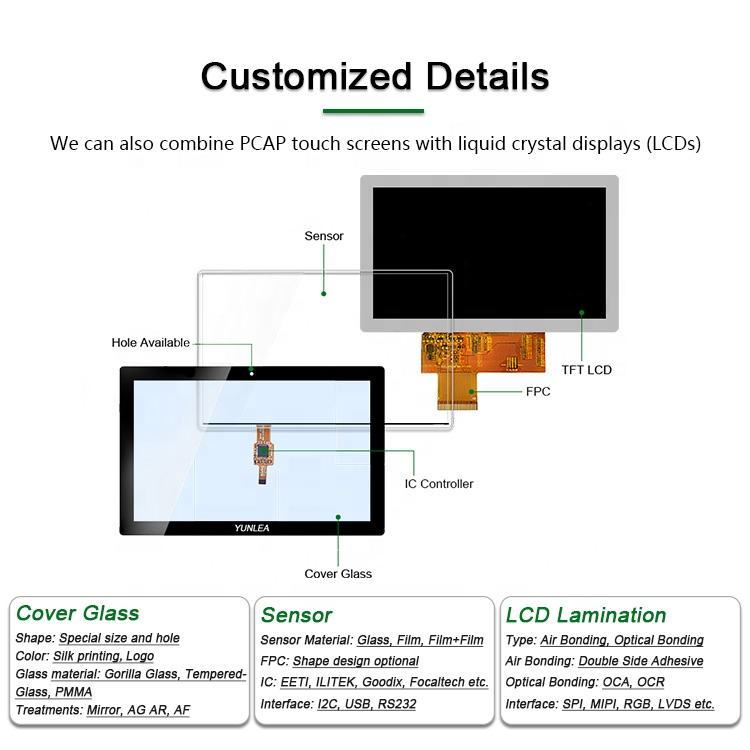
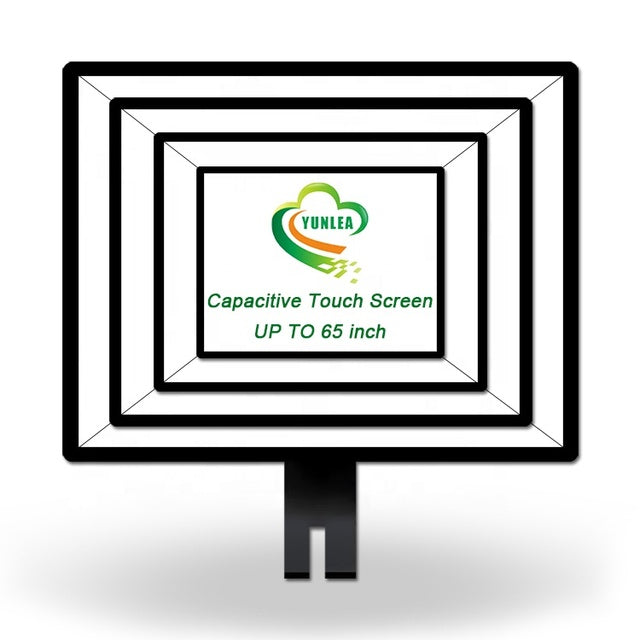
Capacitive touchscreens operate by maintaining a continuous electrostatic field across a conductive surface (ITO, copper mesh, or silver nanowire).
When a conductive object—typically a human finger—touches the screen, it disturbs the local capacitance. Sensors detect this change and precisely calculate the touch position.
Key Advantage:
Capacitive touch offers high sensitivity, fast response, and native multi-touch support, enabling gestures such as pinch, zoom, and rotation.
Head-to-Head Comparison: Resistive vs Capacitive Touch
| Feature | Resistive Touch | Capacitive Touch |
|---|---|---|
| Touch Input | Any object (finger, glove, stylus) | Conductive objects only |
| Multi-Touch | Mostly single-touch | Native multi-touch |
| Surface Material | Plastic film | Glass |
| Optical Clarity | Moderate (~75% light transmission) | Excellent (~90%) |
| Touch Sensitivity | Requires pressure | Light touch |
| Environmental Resistance | Works with water, grease, dust | Sensitive to moisture |
| Durability | Film can wear over time | Glass is scratch-resistant |
| Cost | Lower | Higher (but decreasing) |
Typical Applications: Where Each Technology Excels
Ideal Uses for Resistive Touch Panels
Resistive technology remains indispensable where environmental tolerance and input flexibility are critical:
-
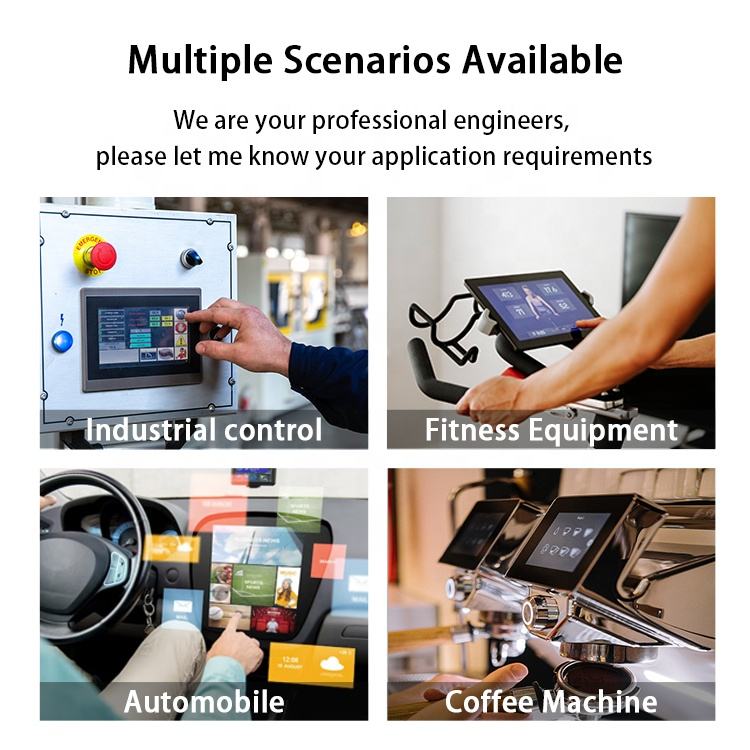
Industrial control panels and HMIs
-
Medical devices requiring stylus input
-
POS systems and payment terminals
-
Outdoor or all-weather equipment
-
Cost-sensitive embedded systems
Ideal Uses for Capacitive Touch Panels
Capacitive touch has become the standard for modern, user-centric interfaces:
-
Smartphones and tablets
-
Public kiosks and ATMs
-
Automotive infotainment systems
-
Smart home appliances
-
Interactive digital signage
Technology Evolution and Market Trends
While Projected Capacitive (PCAP) technology now dominates consumer markets, resistive touch has not disappeared. Instead, it has evolved into more robust variants such as matrix resistive designs, optimized for durability and longevity.
At the same time, capacitive technology has advanced to support glove operation, water rejection, and enhanced EMI resistance, narrowing the gap in industrial use cases.
Conclusion: Which Touch Technology Should You Choose?
Choosing between resistive and capacitive touch is a classic engineering trade-off:
-
Choose Capacitive Touch
When you need superior clarity, multi-touch gestures, and a premium user experience. -
Choose Resistive Touch
When reliability, glove operation, environmental resistance, or cost control is the priority.
With over 17 years of experience in touchscreen manufacturing, Yunlea helps customers select and customize the most suitable touch technology for their application—balancing performance, durability, and cost.
📩 Need help choosing the right touch solution?
Contact Yunlea for expert consultation and customized touchscreen solutions.