Key Considerations for Capacitive Touch Screen Installation (PCAP Integration Guide)

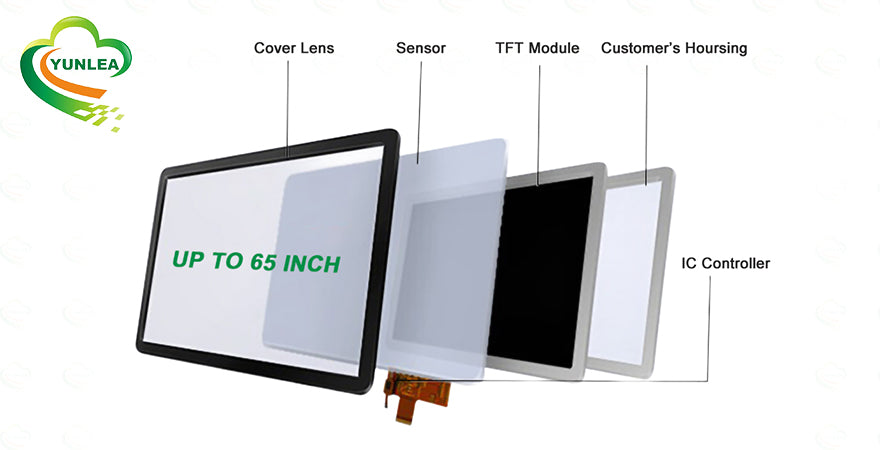
In industrial, medical, and commercial display systems, capacitive touch screen integration is far more than a mechanical assembly task—it directly impacts product stability, accuracy, and lifespan.
Projected Capacitive (PCAP) touch panels are highly sensitive electronic components. Improper installation can easily lead to ghost touch, signal interference, or degraded responsiveness.
Below are essential best practices from Yunlea’s engineering experience to help ensure reliable PCAP performance in real-world applications.
1. Avoid Direct Contact with Metal Components


Capacitive touch panels are extremely sensitive to electromagnetic interference (EMI), especially from nearby conductive materials.
Installation Guidelines:
- Avoid direct contact between the touch panel circuitry and metal parts
- Maintain at least 1.5mm gap between the LCD metal frame and touch panel
- Use a larger gap for bigger screen sizes
Risks if ignored:
- Touch drift
- Ghost touch (false triggering)
- Unstable response
2. Keep the Backside of the Touch Panel Clean

The backside of a PCAP panel contains delicate conductive layers that are highly vulnerable to contamination.
Best Practices:
- Avoid direct hand contact
- Prevent dust, oil, and fingerprints
- Clean only when necessary
Recommended Cleaning:
- ≥99% anhydrous ethanol
- Lint-free cloth
Avoid:
- Acidic or alkaline cleaners (common LCD sprays)
Potential Issues:
- Oxidation
- Corrosion
- Long-term reliability degradation
3. Ensure Proper System Grounding
Proper grounding is essential to minimize electrical noise and ensure stable touch performance.
Requirements:
All components must share a common ground, including:
- LCD metal frame
- Metal housing
- Mainboard
- Power supply
- Touch controller
Use a three-prong grounded power connection whenever possible.
Benefits:
- Reduced power noise
- Improved touch accuracy
- Elimination of delayed or false signals
4. Optimize Touch Controller Placement

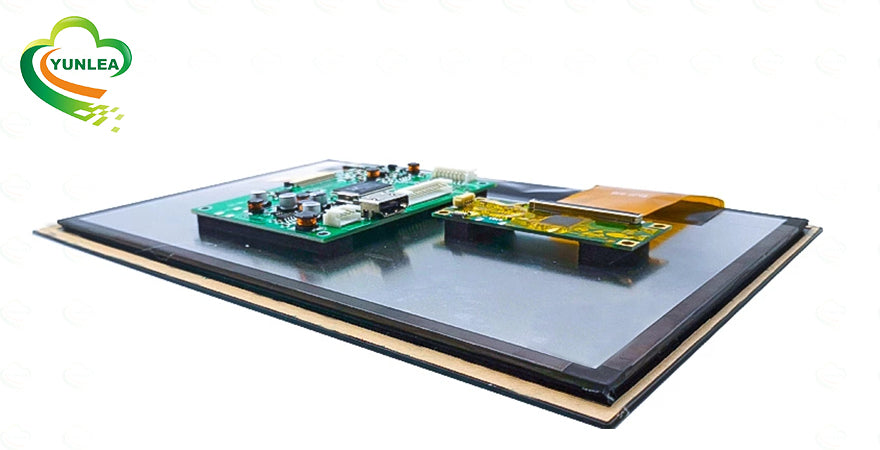
The placement of the touch controller plays a critical role in avoiding interference.
Avoid positioning near:
- LCD logic board
- Mainboard
- High-frequency components
- Power modules or converters
If unavoidable:
Use EMI shielding materials:
- Copper foil
- Aluminum foil
- Conductive fabric
- Grounded insulating tape
Result:
- Reduced interference
- Stable signal transmission
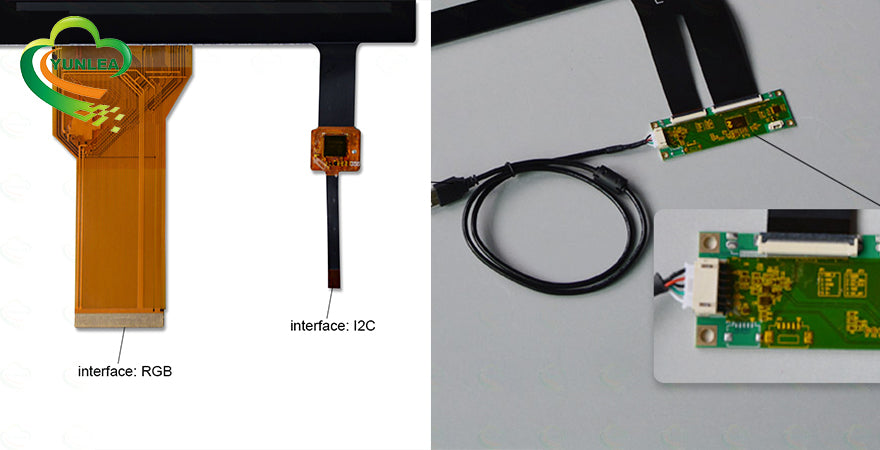
5. Prevent FPC Signal Interference

Improper routing of flexible printed circuits (FPC) can lead to signal interference.
Guidelines:
- Avoid overlapping LCD and touch panel FPCs
- If overlap is unavoidable:
- Insert aluminum shielding between cables
Prevents:
- Signal crosstalk
- Touch malfunction
- Display noise
Final Thoughts
A well-executed PCAP integration process is essential for achieving high-performance, long-lasting touch systems—especially in demanding environments like:
- Industrial automation
- Medical equipment
- Commercial kiosks
By following these guidelines, manufacturers can:
- Minimize interference issues
- Improve touch accuracy
- Extend product lifespan
Why Work with Yunlea?
At Yunlea, we don’t just manufacture touch panels—we help customers avoid costly integration mistakes.
Whether you need:
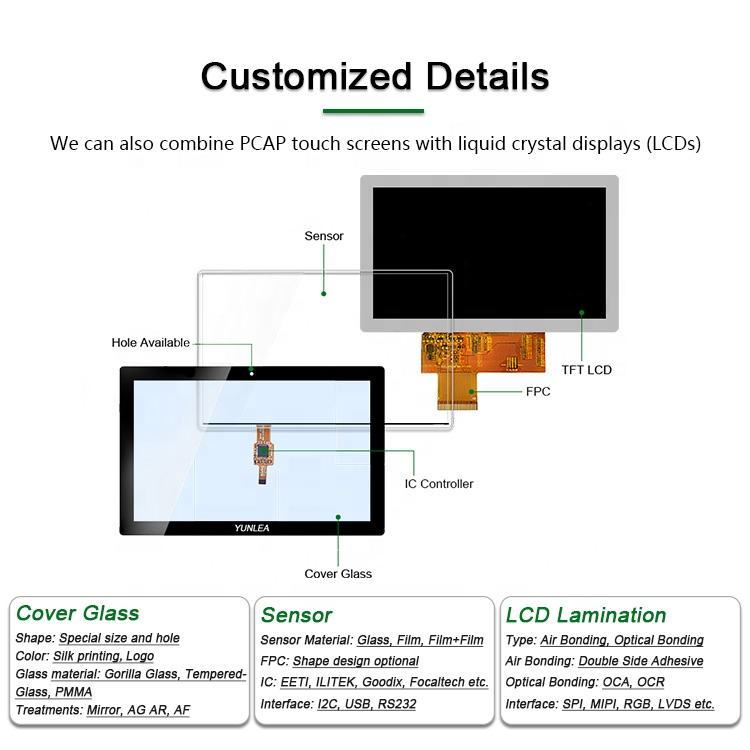
- Custom sizes and shapes
- USB / I2C / RS232 interfaces
- High-reliability industrial solutions
Our engineering team ensures your PCAP solution is optimized from design to deployment.